Cute QR Codes: 20 Aesthetic Examples That Still Scan
Twenty cute, aesthetic, and fancy QR code examples, from heart and circle shapes to soft rounded and dotted styles, each tested with a QR decoder. Plus how to make your own for free.


Cute QR Codes: 20 Aesthetic Examples That Still Scan
Short answer: a cute QR code uses a soft shape (heart, circle, rounded or dotted modules), a small color palette, and sometimes a frame or label, while it keeps the parts a scanner needs: dark modules on a light background, empty space around the code, and intact corner squares. The 20 examples below are all free templates in Pretty QR. I decoded every one of them with a QR reader at full size and again when shrunk to 150 pixels wide, and all 20 scanned.
Each example links to its template page, where you can put in your own link or message and download it as PNG, JPG, or SVG.
How did I test these examples?
A cute QR code that doesn't scan is just a sticker. So before I put any code in this list, I ran it through the jsQR decoder three times: at full size (576 px), at 300 px, and at 150 px with a white margin. A code that decodes at 150 px has room to spare on a phone camera.
I also measured the contrast ratio between the module color and the background. The safe target is 4.5:1 or higher. Codes between 3:1 and 4.5:1 decoded fine in my tests, but I mark them "test in print", because warm light and matte paper reduce contrast. Nothing in this list is below 3:1.
Cute QR code shapes
Shapes get the most attention. They also need the most care, because part of the grid is outside the outline and error correction has to recover it.
1. Heart
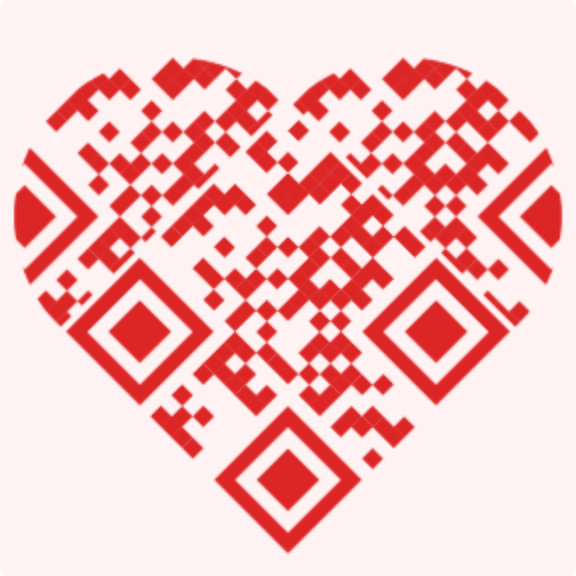
The heart is the most-used template on Pretty QR by a wide margin. People use it for love notes, birthday messages, anniversary gifts, and wedding cards. Contrast: 4.4:1, test in print. → Heart template
2. Circle
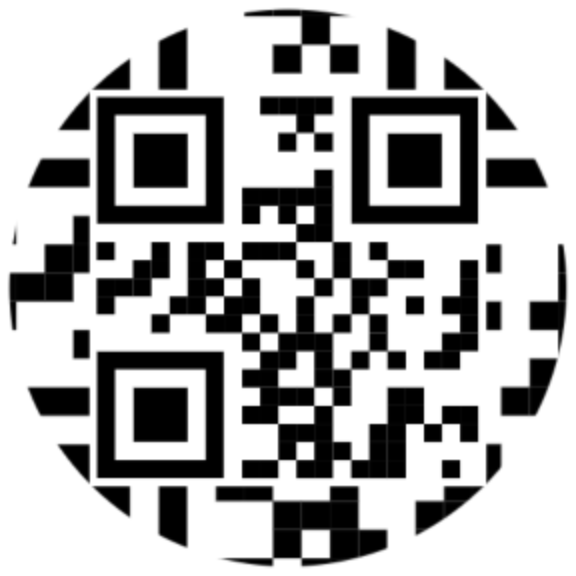
A round code looks friendly on stickers, badges, and round labels. Black on white gives it maximum contrast, so it is the safest shape for small print. Contrast: 21:1. → Circle template
3. Speech bubble ("Scan me")
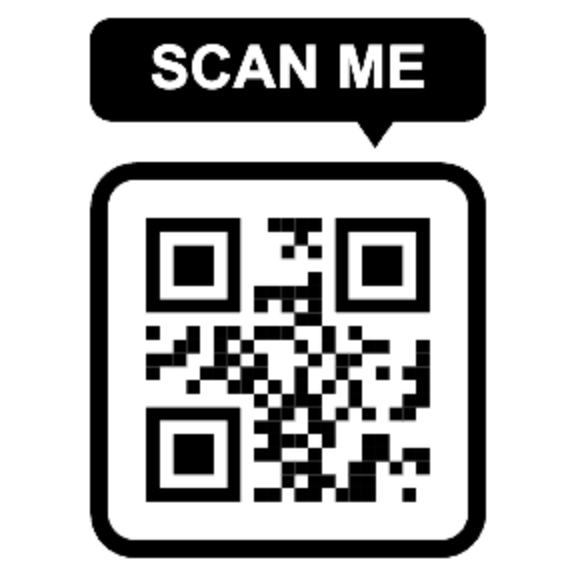
The bubble tells people what to do, which helps when the code is on a poster or a shop window. Contrast: 21:1. → Speech bubble template
4. Shopping bag
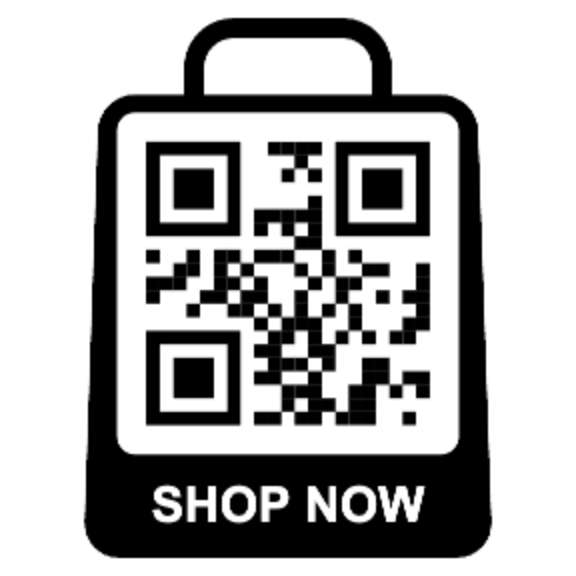
A small shop's favorite: put it on packaging, flyers, or a market stall sign. Contrast: 21:1. → Shopping bag template
5. Scan-me banner
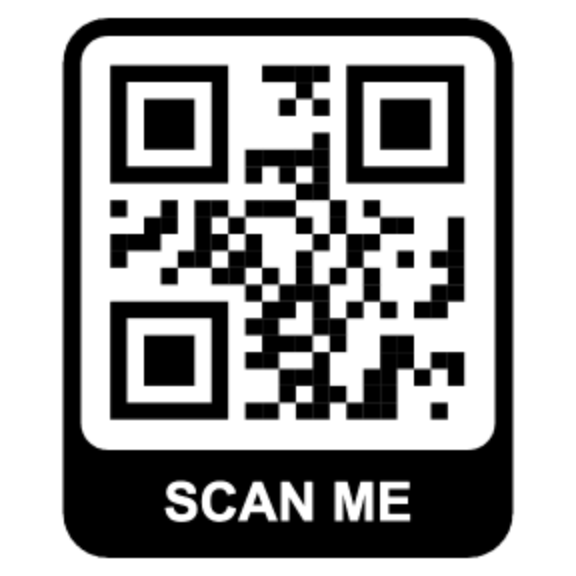
A clean frame with a label. The label tells people what the code is for before they scan it. Contrast: 21:1. → Banner template
Soft and rounded QR codes
Rounded modules and rounded corner eyes are the easiest way to make a code look softer without changing its shape.
6. Sunset Classy (pink)
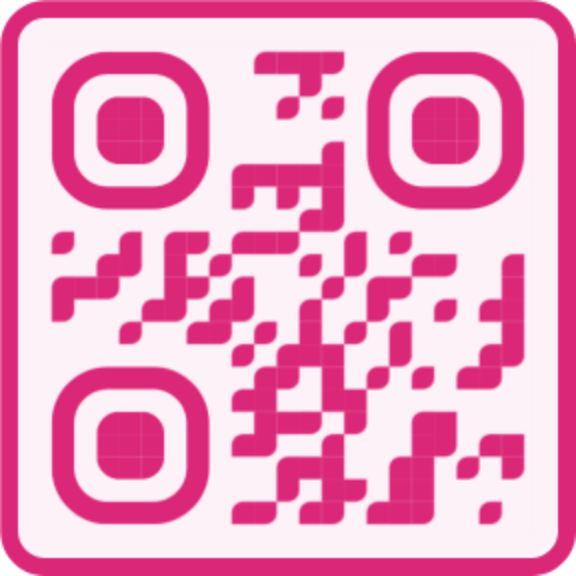
Deep pink with rounded eyes. One of the cutest styles that still has good contrast. Contrast: 4.2:1, test in print. → Sunset Classy template
7. Amber Rounded
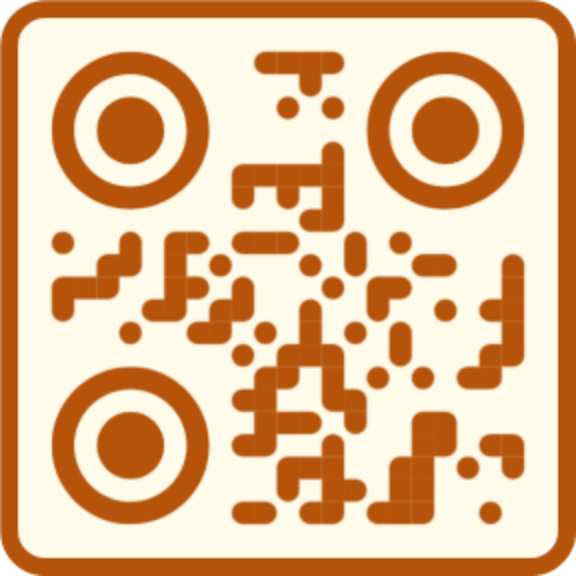
Warm amber with circular eyes. Good for cafés, bakeries, and autumn events. Contrast: 4.8:1. → Amber Rounded template
8. Soft Teal
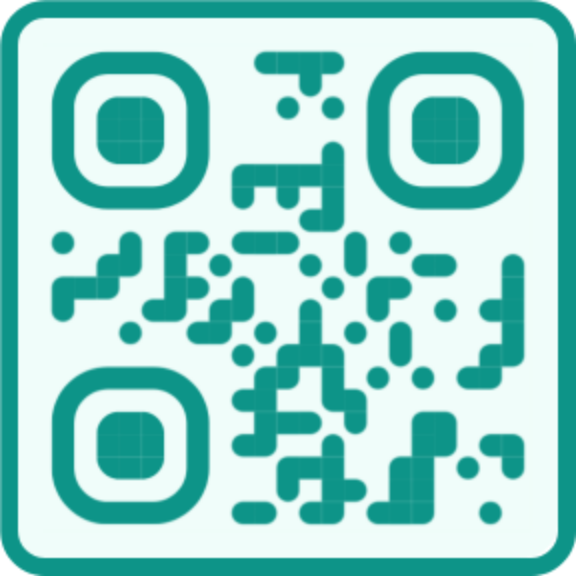
Calm and fresh. Use it for spas, wellness brands, and baby showers. Contrast: 3.6:1, test in print. → Soft Teal template
9. Forest Classy
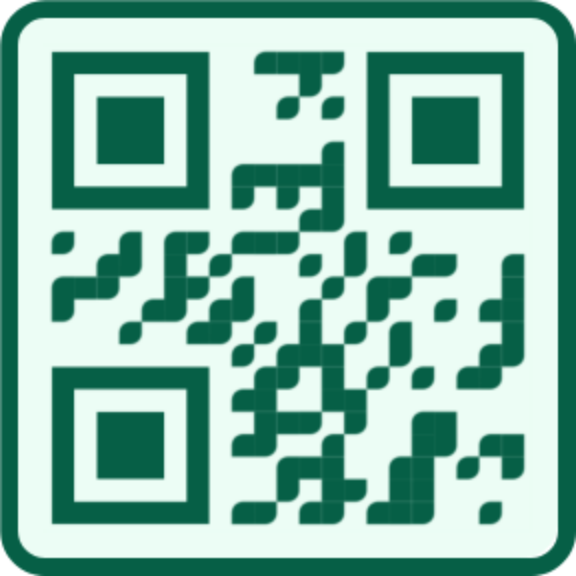
A darker, calmer green. It looks good on kraft paper and plant labels. Contrast: 7.3:1. → Forest Classy template
Dotted QR codes
Dots make the pattern look lighter and more playful. Keep the dots large enough: very small dots on a large code can make the pattern look gray from a distance.
10. Indigo Dots
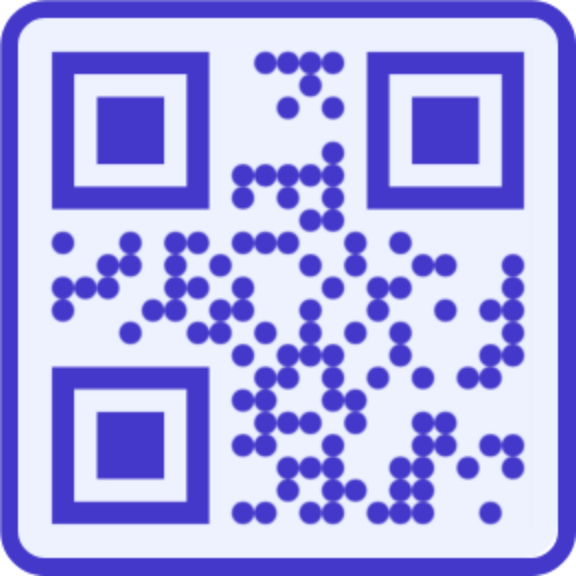
Round dots with square eyes, in a strong indigo. Contrast: 7.1:1. → Indigo Dots template
11. Midnight Dots
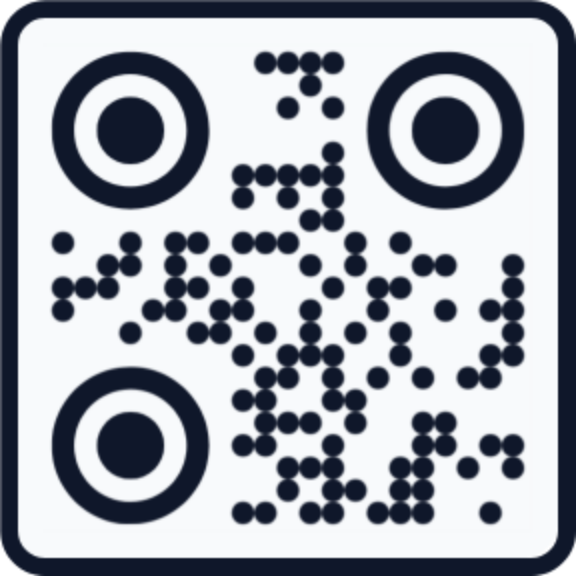
Dots and circular eyes in near-black. Cute but serious enough for a business card. Contrast: 17.1:1. → Midnight Dots template
Colorful QR codes
Color is the fastest way to make a code look like yours. The rule: the modules must be the dark version of the color, and the background a pale version.
12. Elegant Purple
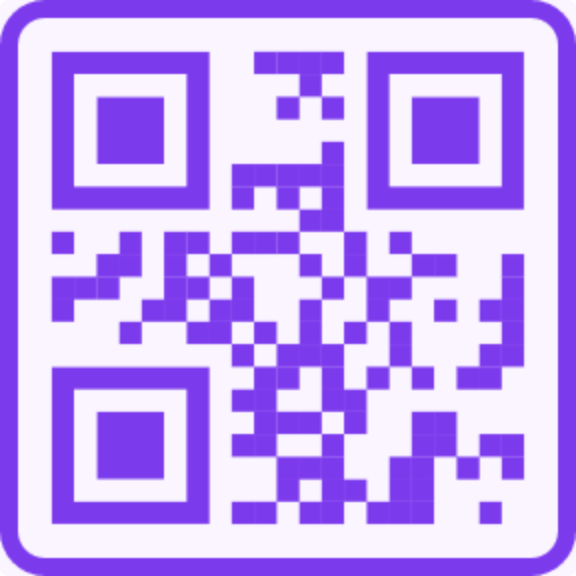
Contrast: 5.3:1. → Elegant Purple template
13. Vibrant red
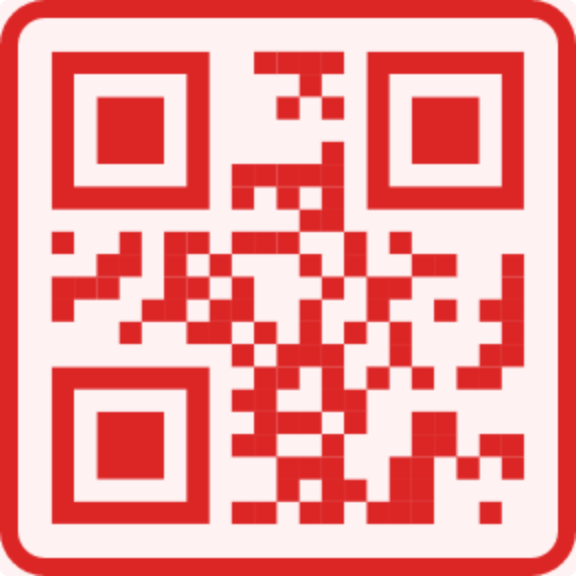
Contrast: 4.4:1, test in print. → Vibrant template
14. Modern Blue
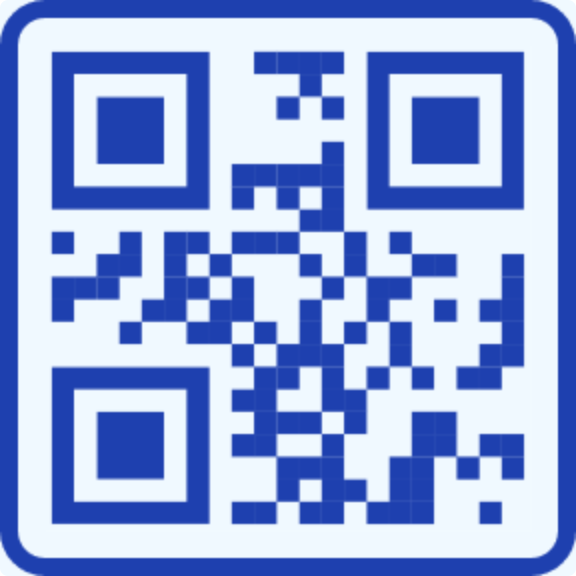
Contrast: 8.2:1. → Modern Blue template
15. Nature Green
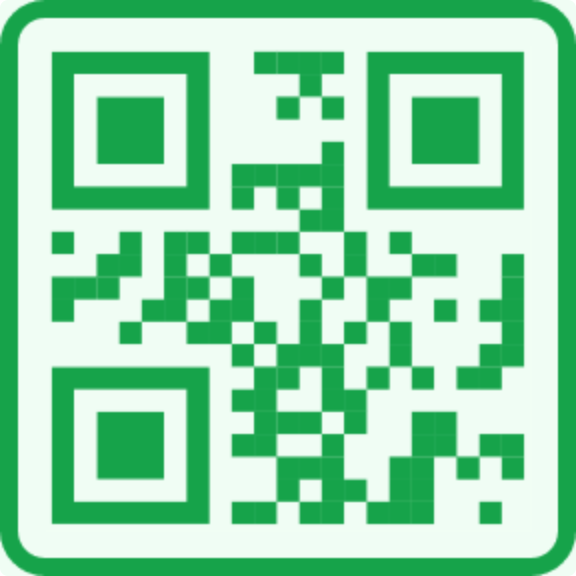
Contrast: 3.1:1, test in print, or darken the green one step for small labels. → Nature Green template
16. Warm Orange
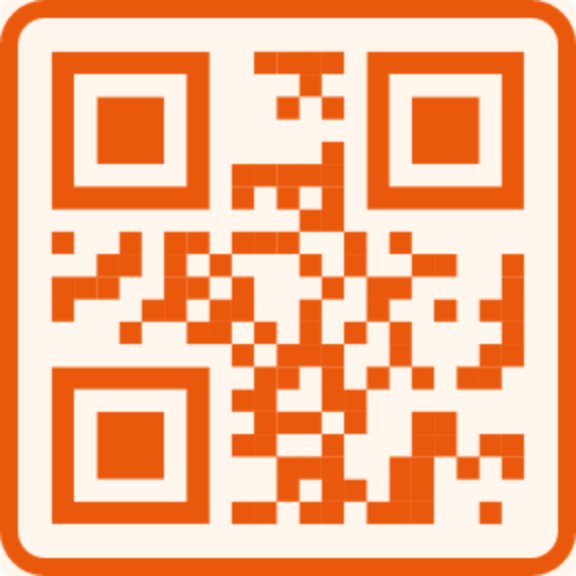
Contrast: 3.4:1, test in print, or use Amber Rounded for small sizes. → Warm Orange template
Cute QR codes for social media
These put the network's colors and name around the code, so people know where the scan goes.
17. Instagram
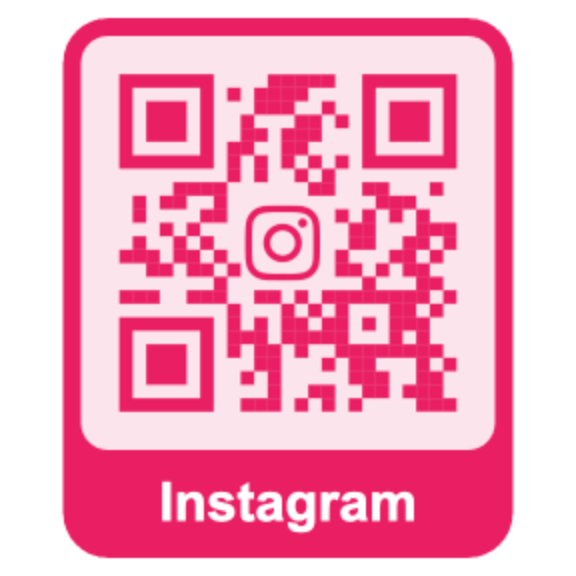
Contrast: 3.6:1, test in print. → Instagram template
18. TikTok
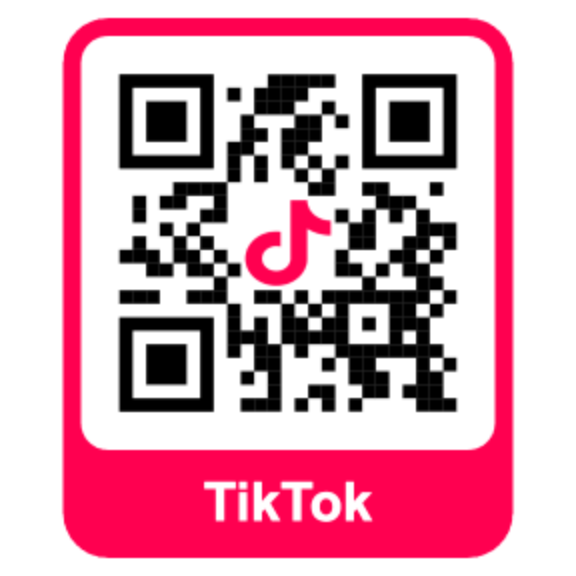
Contrast: 21:1. → TikTok template
19. YouTube

Contrast: 4.0:1, test in print. → YouTube template
20. Your own logo
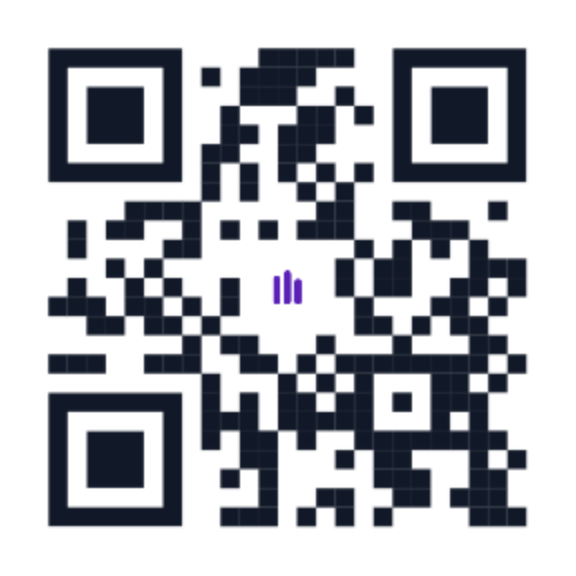
A small logo in the center turns a plain code into your code. Keep the logo at about 20–25% of the area. Pretty QR switches to the highest error correction level automatically when you add one. Contrast: 17.7:1. → Logo template
All 20 examples at a glance
| Example | Contrast | Best for |
|---|---|---|
| Heart | 4.4:1 | Love notes, birthdays |
| Circle | 21:1 | Stickers, small print |
| Speech bubble | 21:1 | Posters, shop windows |
| Shopping bag | 21:1 | Packaging, market stalls |
| Scan-me banner | 21:1 | Flyers, menus |
| Sunset Classy | 4.2:1 | Beauty, gifts, events |
| Amber Rounded | 4.8:1 | Cafés, bakeries |
| Soft Teal | 3.6:1 | Wellness, baby showers |
| Forest Classy | 7.3:1 | Plant labels |
| Indigo Dots | 7.1:1 | Creative portfolios |
| Midnight Dots | 17.1:1 | Business cards |
| Elegant Purple | 5.3:1 | Creative brands |
| Vibrant red | 4.4:1 | Sales, Valentine's Day |
| Modern Blue | 8.2:1 | Tech, services |
| Nature Green | 3.1:1 | Eco brands |
| Warm Orange | 3.4:1 | Food, large print |
| 3.6:1 | Profile links | |
| TikTok | 21:1 | Profile links |
| YouTube | 4.0:1 | Channel links |
| Your logo | 17.7:1 | Brands, small businesses |
How do you make your own cute QR code?
- Pick a template from the list above, or open the template gallery. Shapes and rounded styles are the quickest way to a cute look.
- Add your content. A link, a short text message, Wi‑Fi details, a phone number, or a contact card. Short content gives bigger modules, which scan more easily.
- Change the style. In the editor's Styling tab, change the colors, the module shape (square, circle, rounded, or dot), and the eye shape (square, circle, or rounded). Keep the modules dark and the background pale.
- Add a logo or frame if you want one. Keep the logo small.
- Test it. Scan it with two phones, from the distance people will use. If you print it, test the printed piece.
- Download as PNG for screens or SVG for print. It's free, there's no watermark, and the code does not expire.
Open the editor to start, or go straight to the heart template.
What makes a cute QR code stop scanning?
Most failures I see come from five mistakes:
- Pastel modules. Light pink, baby blue, and yellow modules look cute and scan badly. Use the dark version of the color for the modules and the pastel for the background or frame. Our QR code colors guide lists which colors pass, with contrast ratios.
- No empty space around the code. Stickers, text, or a busy background right up against the pattern hide its edges.
- Decorated corner squares. The three big squares in the corners are how a scanner finds the code. Rounded or circular eyes are fine; covering them is not.
- A big logo. Above about 25% of the area, scans start to fail.
- Too small. A cute code on a business card still needs to be at least 2 cm wide. Use scan distance ÷ 10 for anything bigger.
The full list is in our QR code design rules.
Cute and scannable are not opposites. Keep the modules dark, the background light, and the corner squares clear, and you can make a code as playful as you want. Make yours free in the editor.
Questions? [email protected]
Frequently asked questions
How do I make a cute QR code?
Start from a cute template such as a heart, circle, or soft rounded style, enter your link or message, then change the colors, module shape, and eye shape. Keep the modules darker than the background, leave empty space around the code, and test it with two phones before you share or print it. Pretty QR does this for free with no sign-up.
Do cute QR codes still scan?
Yes, if the style keeps the basics: dark modules on a light background, a clear quiet zone, and intact corner squares. Every example in this article was decoded with a QR reader at full size and again when shrunk to 150 pixels wide.
Can a QR code be heart-shaped?
Yes. A heart-shaped QR code clips the normal square grid to a heart outline and uses high error correction to recover the modules outside the shape. Pretty QR has a free heart template, and it is the most-used template on the site.
What makes a QR code look aesthetic?
Soft rounded or dotted modules, a matching frame, two or three colors from one palette, and a shape or label that fits the occasion. Most cluttered-looking codes use too many colors or put a large logo over the pattern.
Are cute QR codes free to make?
On Pretty QR, yes. Every template in this article is free, including commercial use, with no watermark and no account. The codes are static, so they do not expire.
What colors work best for a cute QR code?
Dark versions of soft colors: deep pink, purple, indigo, teal, or amber on a pale tint of the same color. Very light pink, yellow, and light blue modules usually fail. Our QR code colors guide lists which colors pass and which fail, with contrast ratios.
Related articles

QR Code Colors: Can a QR Code Be Any Color? (15 Palettes That Scan)
Yes, QR codes work in color. Which colors scan and which fail (with measured contrast ratios), the 4.5:1 rule, colored QR codes in print, and fifteen tested color palettes with hex codes.

How to Add Your Logo to a QR Code (Step-by-Step)
Upload your brand mark in Pretty QR’s Logo tab: file limits, size and margin sliders, hide-background-dots, testing, and export as PNG, JPG, or SVG, without breaking scans.

Getting Started with Custom QR Codes
Learn how to create beautiful, customized QR codes that stand out from the crowd and actually get scanned.