feature·
Pick a style on the home page
Six ready-made looks now sit under the link field on the home page. Pick one and the preview changes; Customize opens the editor with that look.
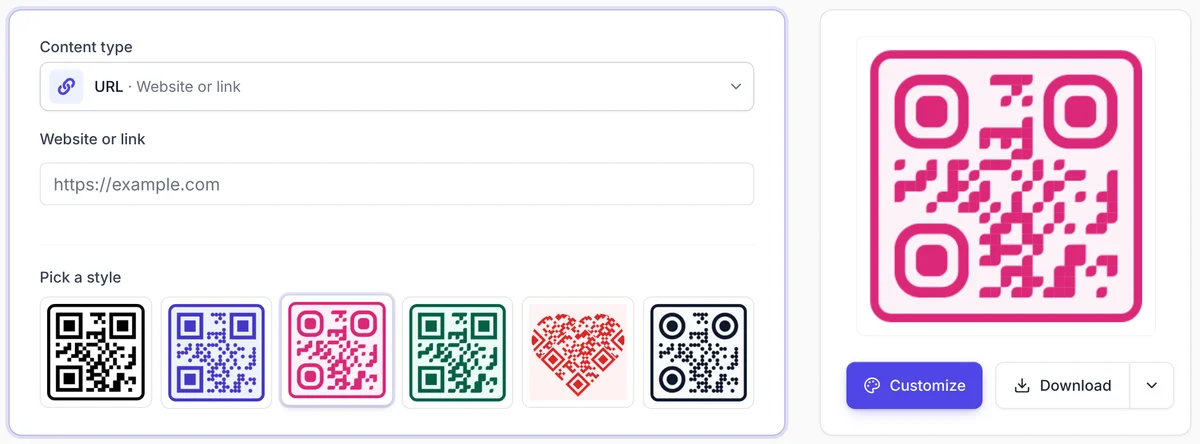
You no longer need to open the editor to see your code in color. Under the link field on the home page there is a row of six looks: classic black, indigo dots, a pink frame, a green frame, a heart, and a dark style with round corners.
- Paste your link.
- Pick a style. The preview next to it changes at once.
- Click Download for a PNG, or Customize to keep going in the editor with that look.
Every look is also a template you can open later from the Templates page.
hometemplates