Name your designs
Give a saved design a name in the editor. My designs lists it by that name, with its link under it.
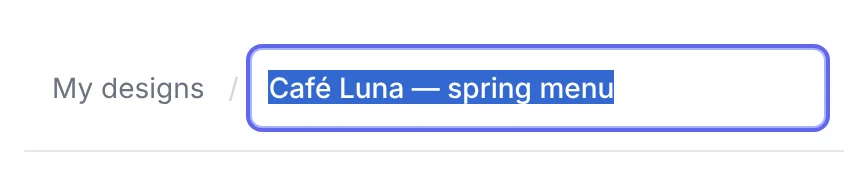
Saved designs now have names, so you can tell "spring menu" from "table Wi-Fi" without opening each one.
Rename in the editor
Once your design is saved, its name sits in the top bar, after My designs /. Click it, type, and press Enter. Escape keeps the old name. A design you have not named yet says "Untitled design".
On a phone, the name is a field at the bottom of the Content tab.
You can rename only your own designs. If you open someone else's link, you see their design's name, but you cannot change it.
My designs shows the names
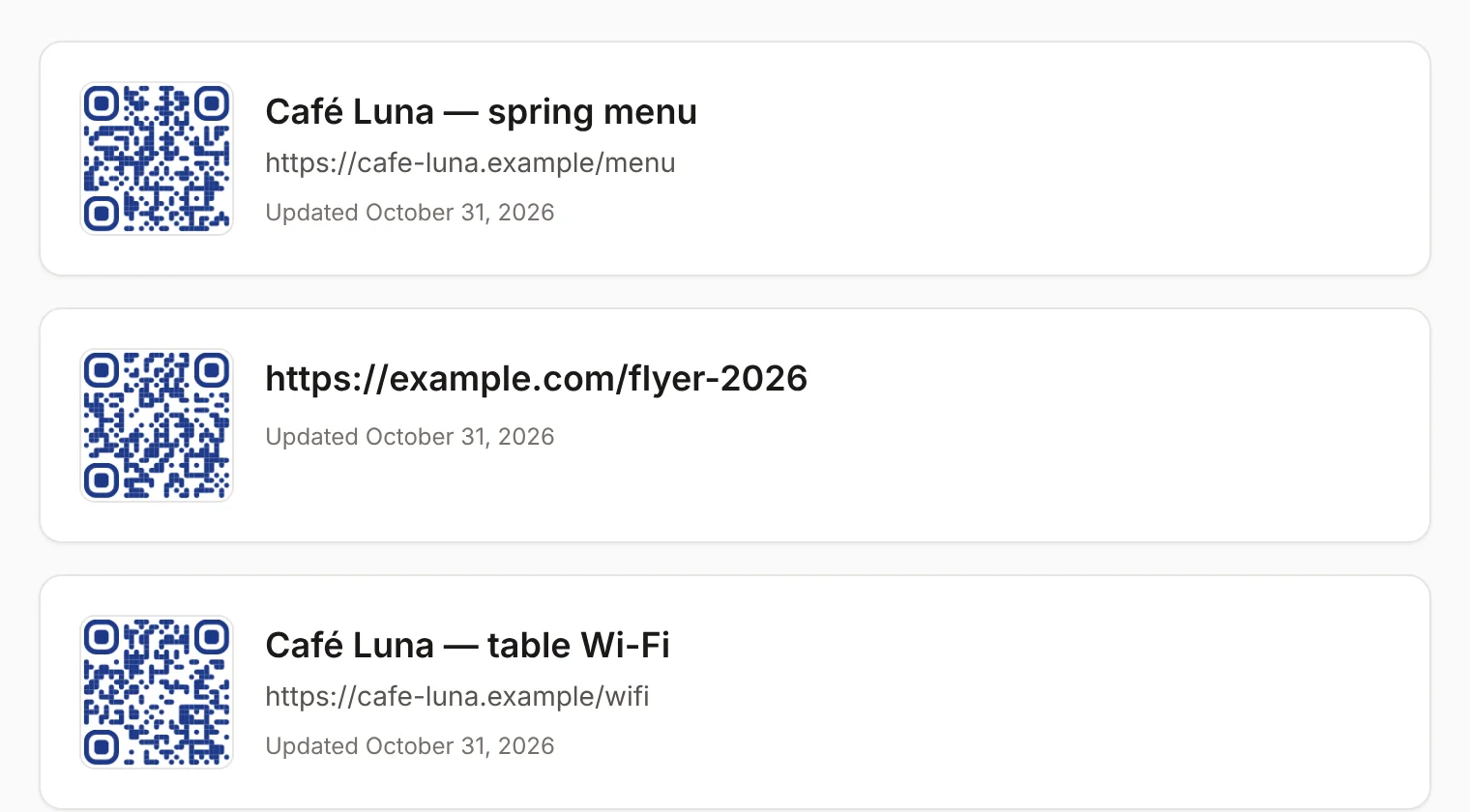
Each design in My designs now shows its name, with its link or text under it. Designs without a name show their link, as before. A design you rename moves to the top of the list.
Also fixed
A change saved at the moment someone else signed up could reach the server late, and in rare cases not at all. Every save now goes through on its own.