A faster editor: one-click download, save status, new color picker
Download a PNG in one click, see when your design is saved, choose colors from a swatch library, and undo with Ctrl+Z. Plus real shape previews, a scan check under the preview, and a cut-out heart.
A round of changes to the editor, mostly so you get to a good code with fewer clicks.
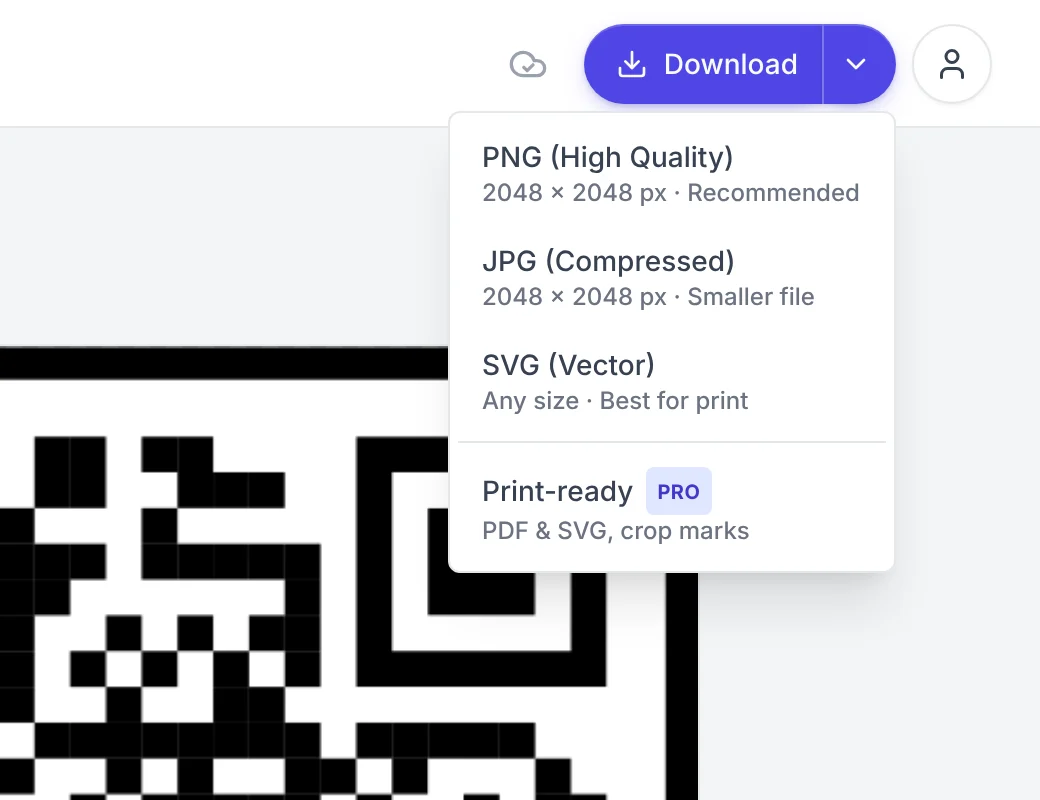
Download in one click
The Download button now saves a 2048 × 2048 px PNG straight away. For JPG, SVG, or the print files, open the arrow next to it. Each format in the menu says what you get: the size in pixels, or "Any size" for SVG.
The editor also opens on the Content tab, so the first thing you see is the field for your link.
See when your design is saved
Your design saves by itself as you work. A small icon next to Download now shows it:
- a spinner while it saves,
- a cloud with a check when it is saved,
- an orange cloud if the save failed.
A failed save tries again by itself after a few seconds. If that fails too, click the orange cloud to try again.
A new color picker
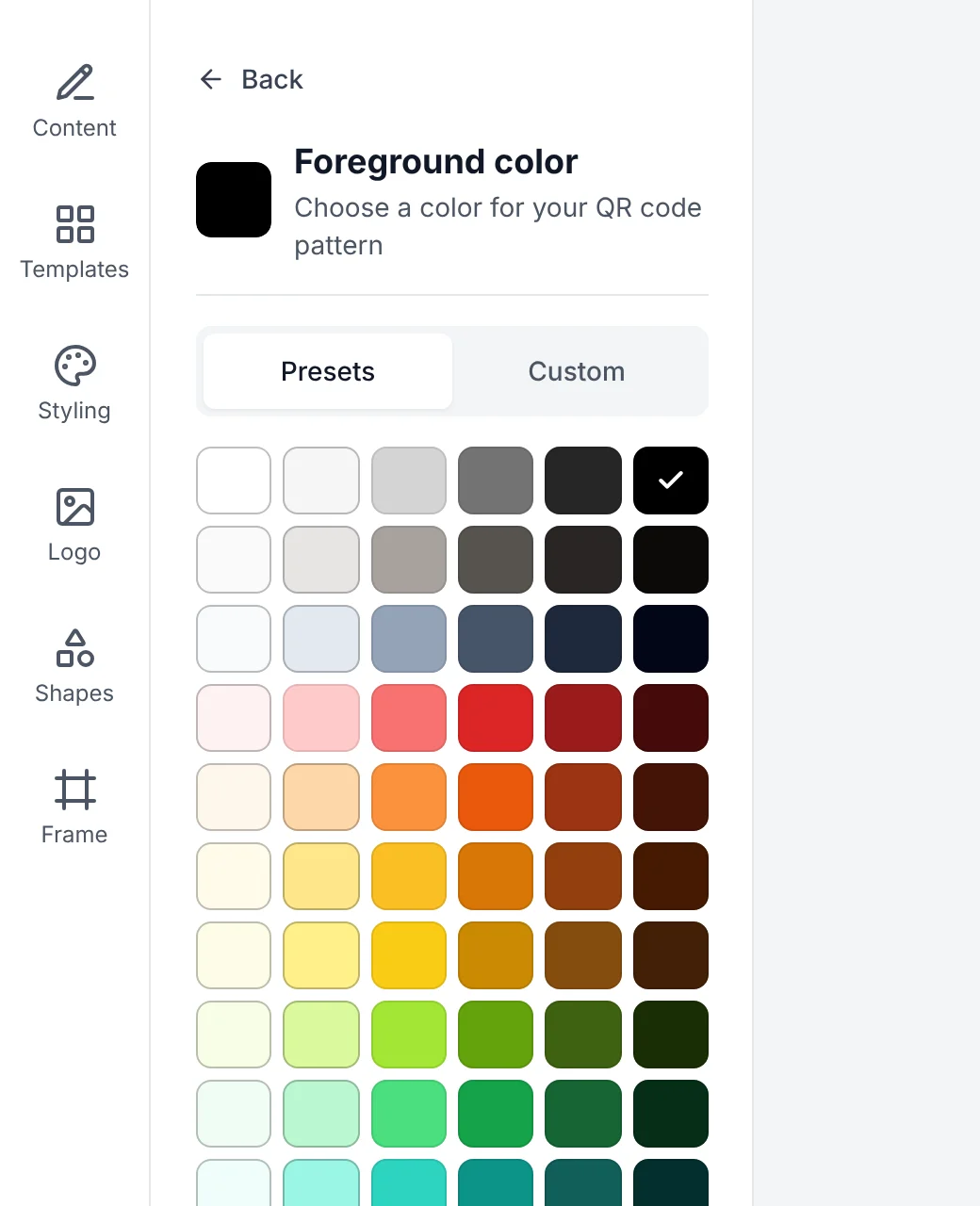
Every color in the editor, from the code and the background to the frame border, opens the same picker:
- Presets: a library of swatches, from neutrals to strong colors. The colors you used last sit above them.
- Custom: any color, with a hex field.
If your code and background colors are too close for phones to read, the picker says so before you download.
Check that it scans
Under the preview, a badge tells you the code was scan-tested and shows the domain it opens, for example Scan-tested · pretty-qr.com. While the link field is empty, the preview is a sample code. The badge says so, and Download asks for your link first, so you never download the sample by mistake.
Shapes and logos
- The Shapes tab shows real previews of each shape instead of icons.
- Without a frame, the heart shape is now a clean cut-out heart. Everything outside it is transparent in PNG and SVG downloads.
- In the Logo tab, drop an image onto the upload area, or use it with the keyboard.
Small things
- Ctrl+Z undoes and Ctrl+Shift+Z redoes, outside text fields. On a Mac, use ⌘.
- On phones, all six editor tabs fit on the screen, and the site menu sits behind a Menu button.
- If your text is too long for a QR code, the editor tells you how long it is and what the limit is.
- Text in other alphabets, like Turkish, Greek, or Japanese, now scans back exactly as you typed it.