Banner and shopping bag frames
Two new frame styles with a label under the code: Banner, a rounded card with a solid band, and Shopping bag, with a handle and a SHOP NOW label. The social templates now use the banner in each network’s color.
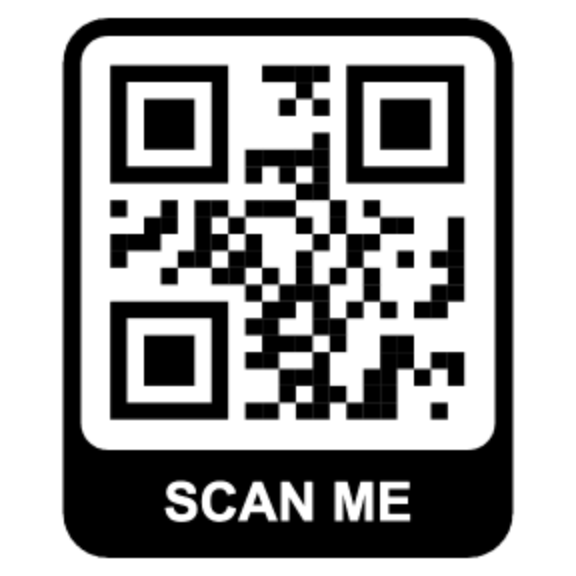
Two new frame styles join Rectangle and Speech bubble in the Frame tab. Both put a short label under the code instead of above it.
Banner
A rounded card in the frame color, with the code in a white window and a solid band underneath. The band holds the label, SCAN ME by default.
It works anywhere you would print a code on its own: posters, table tents, business cards, window stickers. Start from the Banner template, or pick Banner under Frame style in a design you already have.
Shopping bag
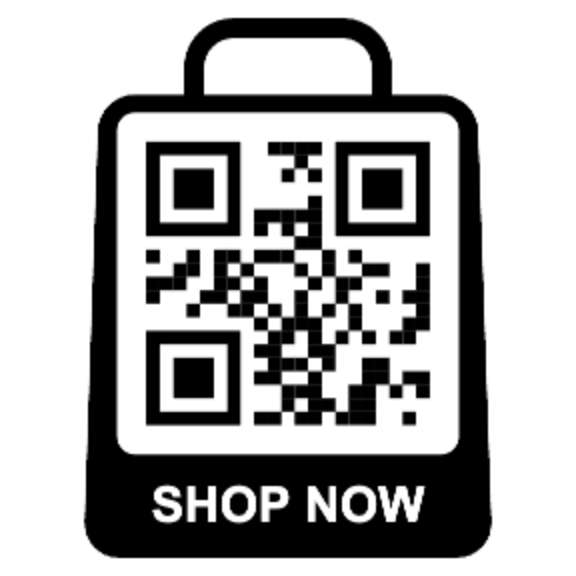
The same idea shaped like a shopping bag, handle and all, with SHOP NOW as the label. It's for shop windows, packaging, receipts, and takeaway bags, where you want people to see "shop" before they scan. Open the Shopping Bag template to start.
Social templates got the banner
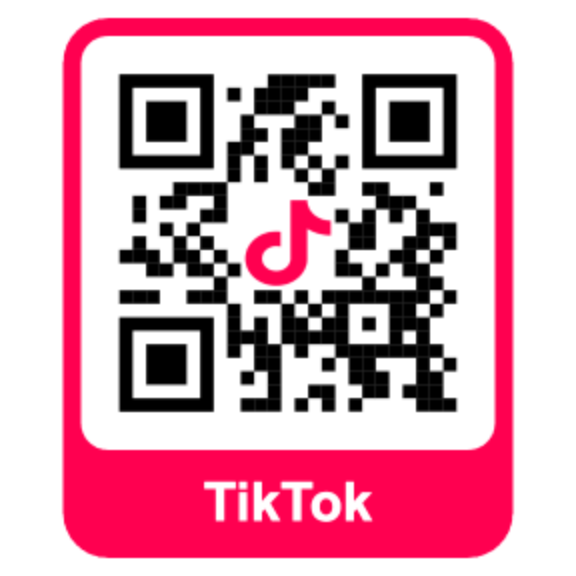
The six social templates (Instagram, TikTok, LinkedIn, YouTube, X, and Facebook) now use the banner frame in the network's color, with its name in the band. Type your @handle into the label if you'd rather show that.
Labels and colors
The Label field holds up to 16 characters and works the same on all three labeled frames. If you type your own label and then switch frames, it stays. Only the stock SCAN ME and SHOP NOW labels swap when you switch.
Border Color recolors the whole frame. The label text switches between white and black to stay readable on it. The code sits in its own window with padding on every side, so neither frame covers any part of it.